
Watch your reef grow, month by month
Day to day you can’t see coral grow—but you want to look back and see how far the tank has come, and show it off. A reef tank photo journal turns your shots into a dated progress timeline of your reef’s whole journey, from bare rock to full grow-in.
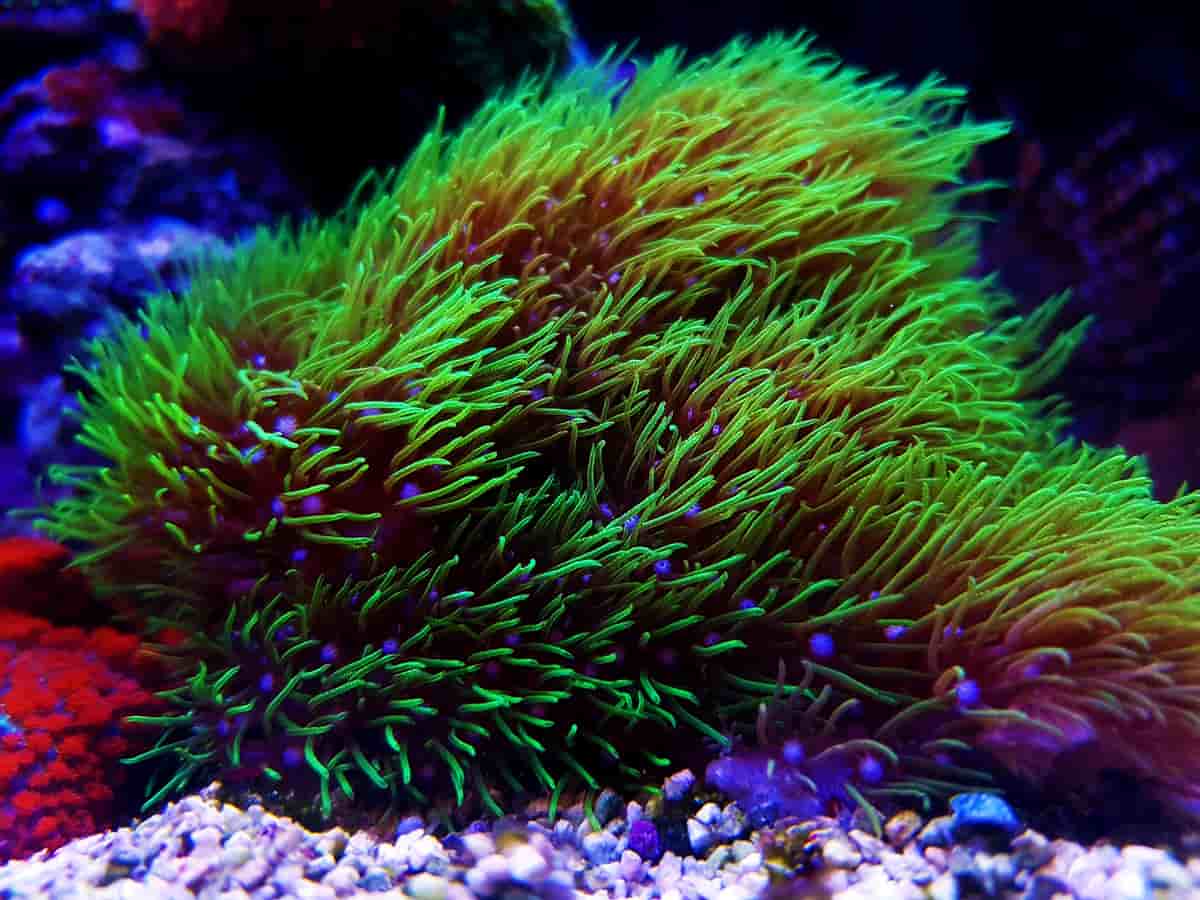
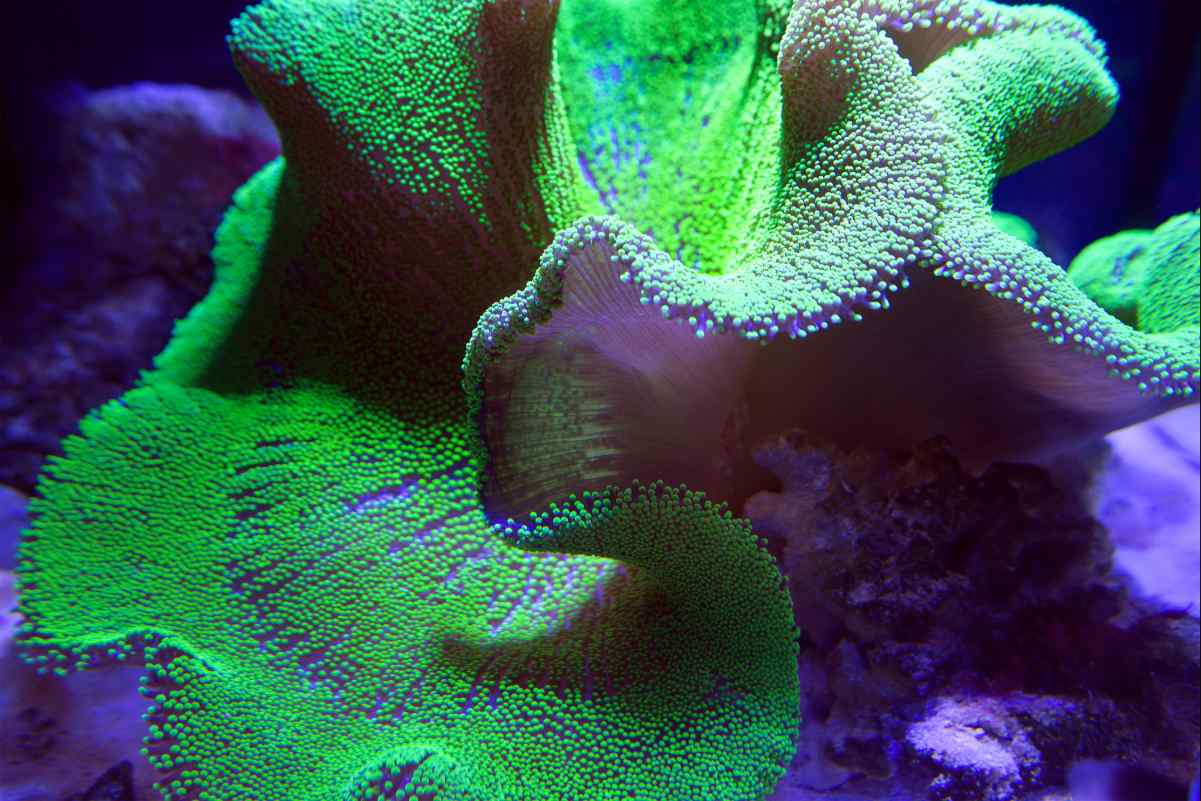
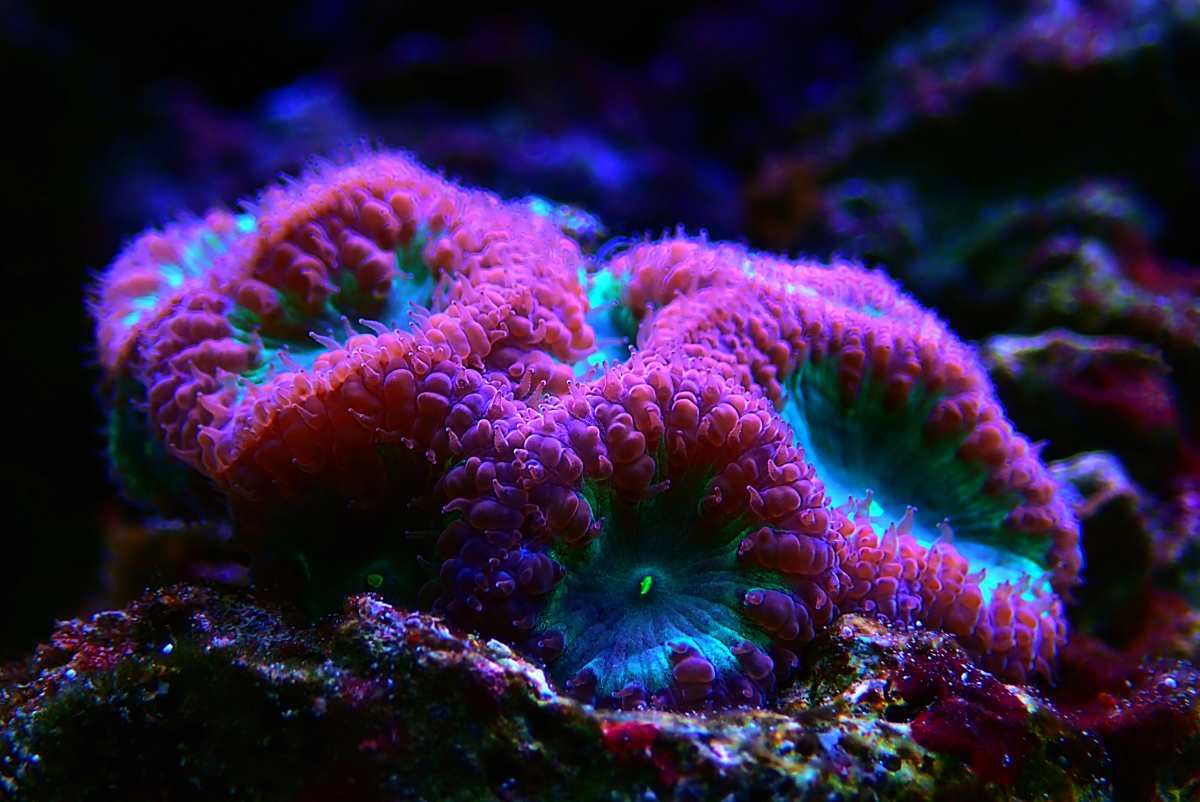
A dated timeline per tank
Every photo carries a "taken on" date, so your shots line up into a timeline you can scroll month over month—the clearest way to see how a reef actually changes.
Grow-out comparisons
Snap the same coral or full-tank shot on a cadence and compare then to now. Slow growth you would never notice day to day becomes obvious side by side.
Captions & search
Give each photo a caption and find it later—search by caption, filter by a date range, or jump to a specific coral without scrolling through everything.
Cover photo with focal point
Pick a cover shot for each tank and nudge its focal point, so the tank always leads with its best angle across the app.
Attach a photo to anything in your reef
A photo in Meta Reef is never just a loose image. Each one is attached to a subject—the tank, a journal note, a specific animal, or a maintenance event—so every shot keeps its context and shows up where it belongs.
The tank itself
Full-tank shots (FTS) that document the whole aquascape as it fills in. The backbone of any progress timeline.
A journal note
Pin a photo to a note about a dosing change, a new addition, or a problem you spotted—so the picture sits with the story behind it.
A specific livestock item
Attach shots to an individual coral, fish, or invert to build a per-animal photo history and track a single frag as it grows out.
A maintenance event
Document a water change, a fresh equipment install, or a cleaning with a before-and-after photo tied to the log entry.
One gallery for every tank
A cross-tank gallery collects every reef photo you have taken in one place, and a full-screen lightbox opens any shot at full size—so your whole reef history is one scroll away, wherever it was taken.
Why keep a reef photo journal
A reef changes slowly. Corals encrust and branch out over months, colors shift as a tank matures, and an aquascape you see every day quietly transforms. A dated photo timeline is the only honest record of that progress—and the most satisfying one to look back on.
See growth you would otherwise miss
Day to day, nothing seems to happen. Line up two shots a few months apart and the growth is unmistakable.
Diagnose what changed
When a coral browns out or an algae bloom starts, photos tied to notes and maintenance help you retrace exactly when it began.
Tell your tank’s story
From bare rock to a full reef, a captioned timeline is a record worth keeping—and worth sharing when someone asks how far it has come.
The difference is night and day
Line up two dated shots of the same spot and the grow-in is impossible to miss—the payoff you never notice day to day.
- Same coral, months apart
- Growth you can prove
- Share your progress
Month 1Month 8Same rock, six months of growth
Photo journal FAQ
How can I document my reef tank’s progress over time?
Take a photo of your tank on a regular cadence—weekly or monthly full-tank shots work well—and Meta Reef arranges them into a dated timeline per tank. Because every photo carries a "taken on" date, you can scroll back and see exactly how the aquascape, corals, and coloration have changed month over month. It is free and works from any phone, so you can snap and upload right at the tank.
Can I take before-and-after photos of coral growth?
Yes. Photograph the same coral or the same full-tank angle over time and the timeline lines the shots up by date, so slow growth you would never notice day to day becomes obvious side by side. Grow-out comparisons are one of the most popular reasons reef keepers keep a photo journal.
Can I attach photos to specific corals?
Yes. A photo can be attached to an individual livestock item—a specific coral, fish, or invert—as well as to the tank itself, a journal note, or a maintenance event. Attaching shots to a single coral builds a per-animal photo history so you can follow one frag from purchase to colony.
Can I search and organize my reef photos?
Every photo can have a caption, so you can find shots later by search, by date range, or by a specific coral instead of scrolling through everything. A gallery view collects every photo across all your tanks in one place, and a lightbox opens any shot full size.
Can I set a cover photo for my tank?
Yes. Choose any photo as the cover for a tank and adjust its focal point, so the image always frames the best part of your reef wherever the tank appears in the app. You can change the cover whenever your reef reaches a new milestone.
Is the reef photo journal free?
Yes—the photo journal is completely free, like the rest of Meta Reef’s tank tools. There is no app to install and nothing to buy; it runs in any browser on any device, so you can upload straight from your phone standing at the tank.
Start your reef’s timeline today
Free, unlimited photos across every tank, no hardware required. Snap your first full-tank shot and watch the story build from there.